Clocking in for WhatsApp: How to implement the simplest and most legal Time Tracking in your company


The day begins and the first thing you ask yourself is:
Who has already signed? Who has forgotten? Who doesn't know how to do it?
Whether they work from an office, a store, a warehouse or are on the go, if clocking in requires opening another app, remembering passwords, or clicking through multiple steps… Most employees just don’t do it. And that can cost you a fine.
At taclia we often hear it:
“My team doesn’t clock in because they don’t have time, they forget, or they don’t know how.”
That’s exactly why we built something that changes everything: Clocking in via WhatsApp.
Yes, from the same app they already use every day. No new apps. No passwords. No friction..
What is WhatsApp clock-in and why should you activate it now
Signing up via WhatsApp means that your employees can register their working hours with a simple message. No apps. No confusion. No change to their routine.. They only need:
- A phone
- WhatsApp installed
- To save taclia’s official number
And that's it. They just type “Start”, “Stop”, “Pause”, or “Clock in” - and taclia automatically records the log, ready to review, export or deliver for inspection.
Without apps, without errors and without anyone skipping it.
Why this feature is a game-changer
Here’s how WhatsApp clock-in works with taclia
📲 Everyone saves taclia's contact on WhatsApp.
💬 They type commands such as “Enter”, “Sign” or “Pause”.
✅ Each message is saved with time, date and user.
📍 Compatible with geolocation and signing from anywhere.
In addition, taclia responds with an automatic message confirming the signing and showing a button to start or stop as the case may be. Everything is centralized and recorded.
.gif)
Commands available for logging
▶️ Start signing
Your employee can type in words such as:
• Entry
• Sign in
• I enter
• Get started
• Sign
• Home
• Start
• Registration
• Register
• Entrance
• Enter
• Track
• Clock in
• Start
• Register
taclia's automatic response:
✅ Your transfer has started.
⏸️ Button: Stop
⏸️ Pause or end signing
With commands such as:
• Stop
• Pause
• Pause
• Exit
• I go out
• Close
• Stop
• Clock out
• Exit
• Close
taclia's automatic response:
⏸️ Signing stopped.
▶️ Button: Start
Is WhatsApp clock-in legal?
Yes, lock-ins via WhatsApp using taclia comply with labor laws:
- Reliable, safe and non-manipulable
- Data stored for at least 4 years
- Accessible from the taclia control panel
- Valid before any inspection or audit
In addition, each record is associated with the user, with date and time, and can be easily exported into reports.
Where does the data go?
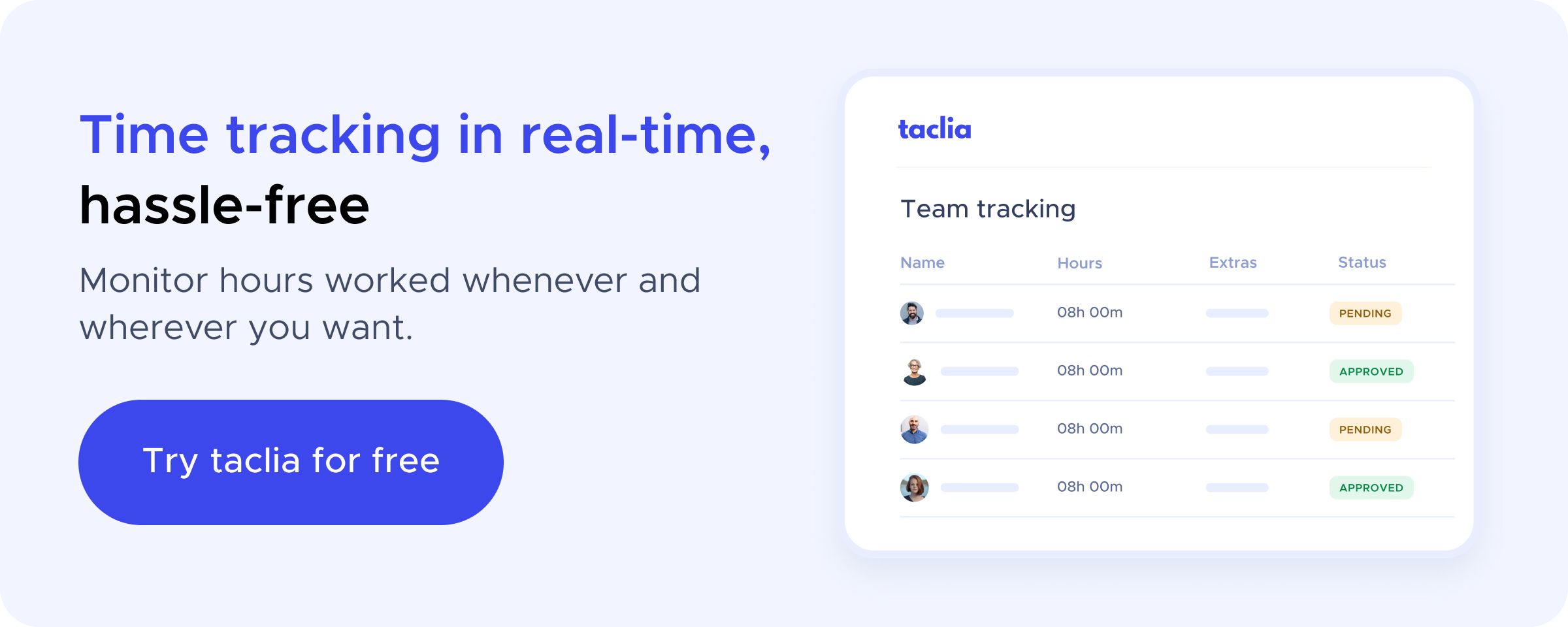
All records are stored in taclia’s Time Tracking module:
- Automatic and synchronized registrations
- Associated with each employee's profile
- Exportable for payroll, inspection or internal analysis
- Compatible with manual, stopwatch and geolocated recording
How to activate WhatsApp clock-in in taclia
⚠️ This functionality is an add-on. You can easily activate it from your taclia account.
Step 1 — Activate the module
Go to Configuration and enable the “WhatsApp Signing” module.
Step 2 — Add the official number
taclia provides you with a number. Your employees should save it as a contact on their mobile phone. We provide you with the tools so you can do it in a few clicks.
Step 3 — Check the phones
It is essential that each employee has their mobile number correctly registered with taclia. Otherwise, the system will not be able to associate the transfer.
Step 4 — To sign
From that moment on, they can start or stop the day by writing a simple message on WhatsApp.
What’s included in taclia’s Time Tracking module?
✅ Signing up via WhatsApp
✅ Manual and stopwatch recording
✅ Geolocation included
✅ Management of absences and holidays
✅ Exportable reports for inspections
All centralized on a single platform, accessible from any device.
Want to try it?
You can try taclia for free today and see how it simplifies time control in your company.
Or, if you prefer, you can schedule a personalized demo with our team so that we can explain it to you step by step and in a short time.
Conclusion: The easiest clock-in is the one that actually gets done
It doesn't matter if your team works at a desk, in a store, in a warehouse, or on the road. What matters is that they can clock in without apps, steps, or confusion.
With taclia and WhatsApp, it’s as simple as sending a message.
And when something is easy, it gets done. It's that simple.