Manage your business from your mobile, wherever you are.
With the taclia app, manage your jobs, control your team's clock-ins, review sales and create invoices in seconds. A single tool to carry your business in the palm of your hand.
Everyone knows what to do And when
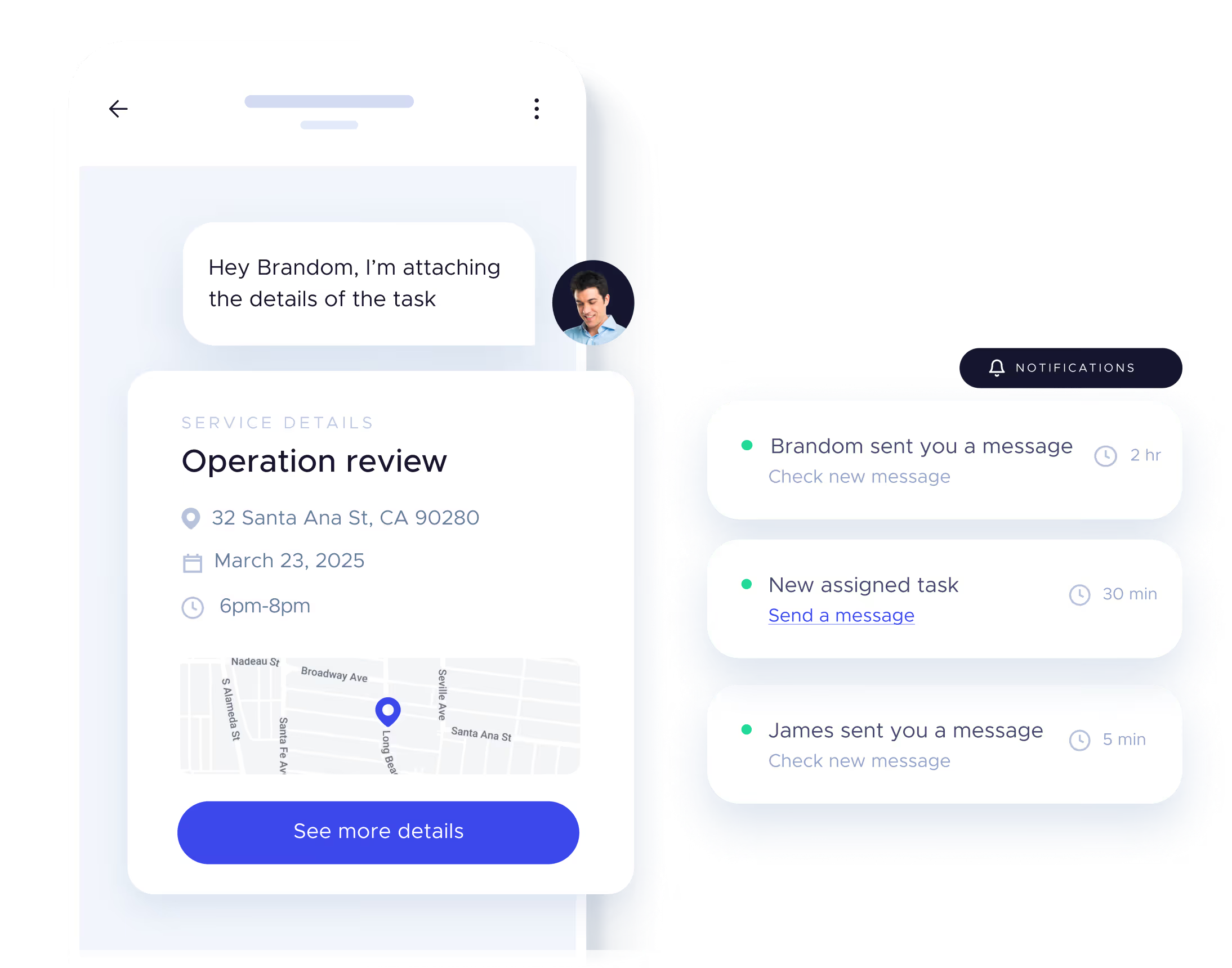
Clear assignment and real-time monitoring.
📍 Location, date and time of the service. 📝 Personalized details for each task. 📲 Assign jobs in one click.
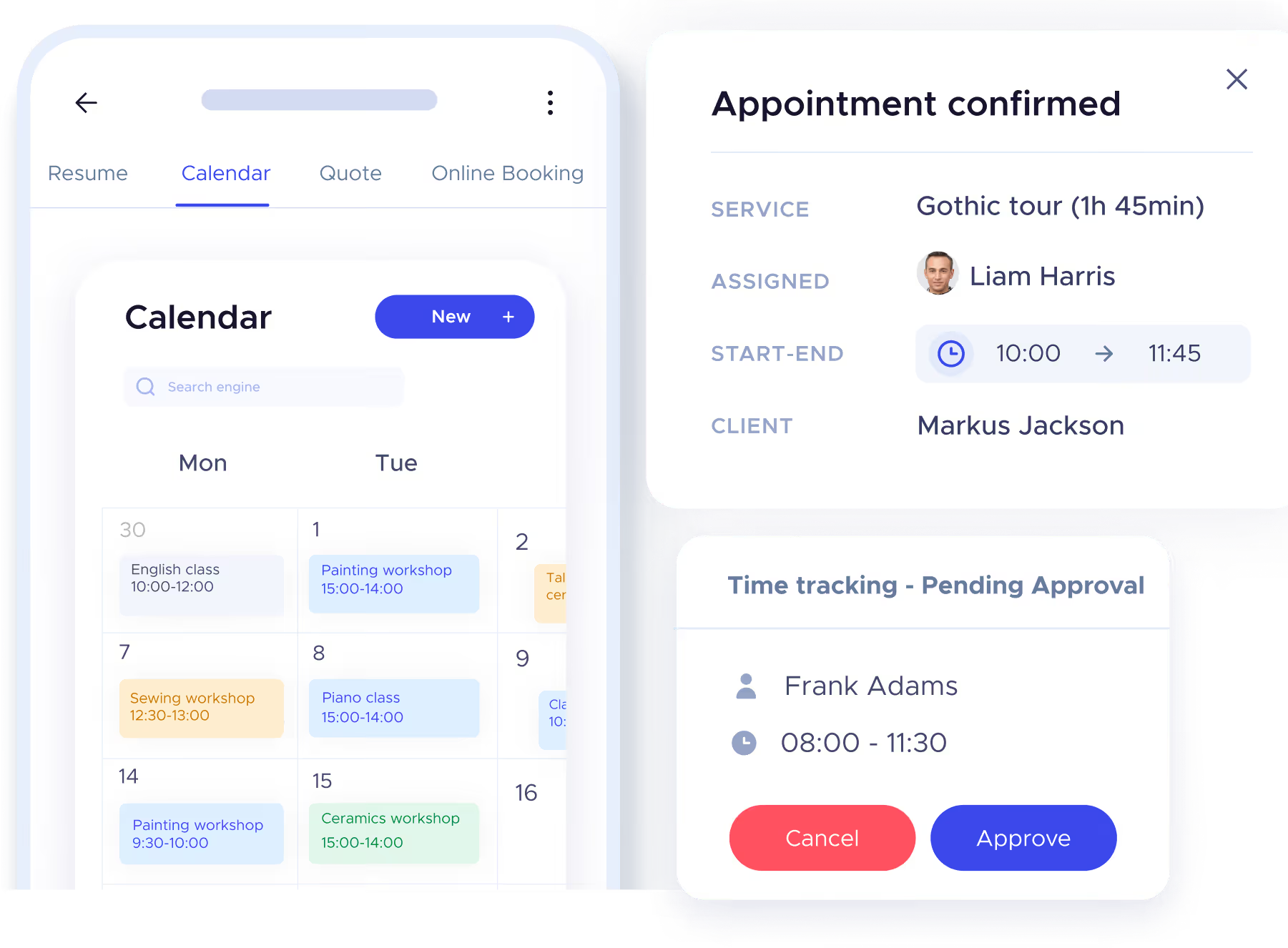
Effortlessly organized agenda
Review your Tasks and Jobs in a single view.
Calendar with colors per service.
Jobs confirmed and rescheduled at the moment.
Manage tasks and approvals from the app.
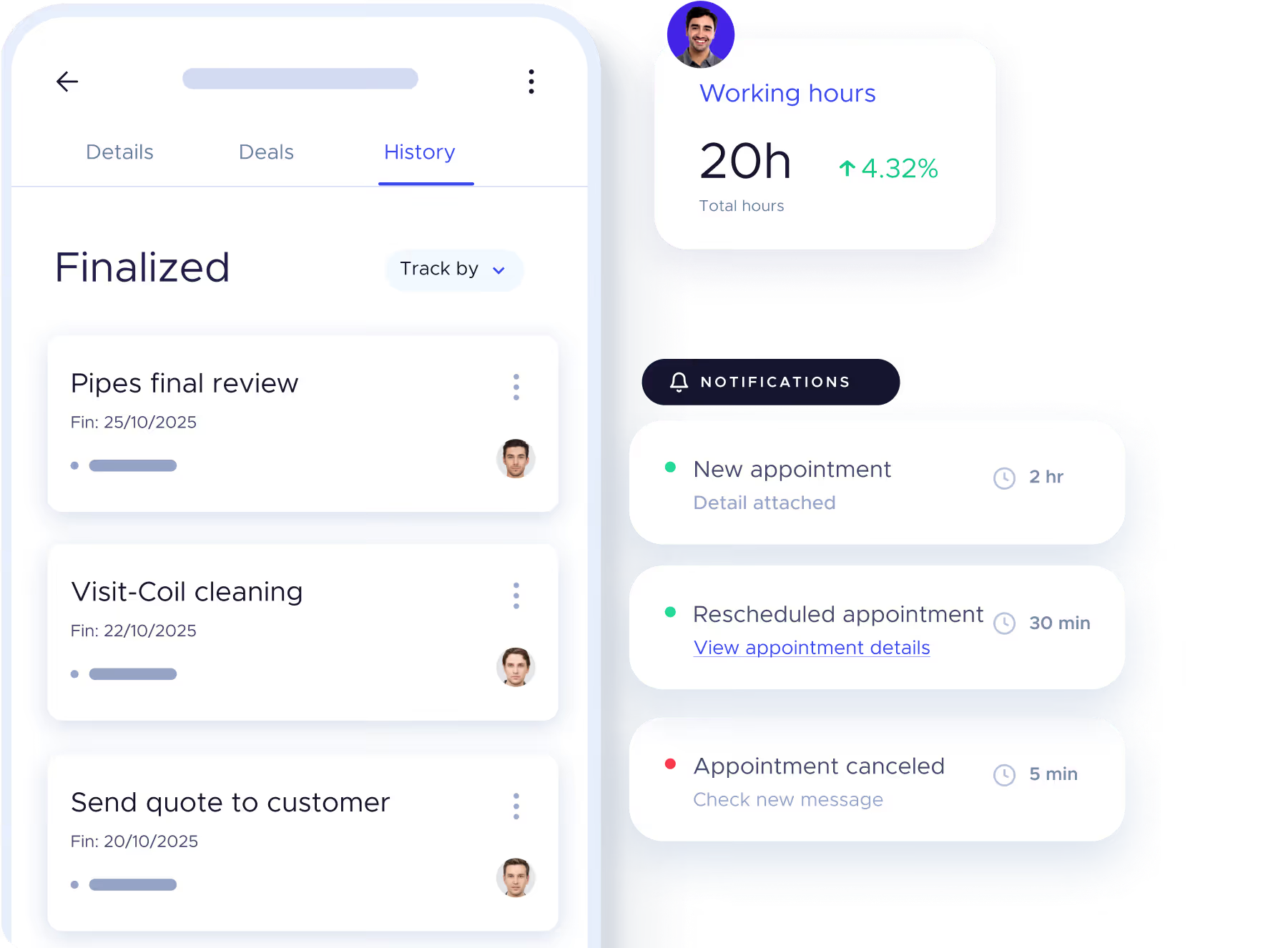
Paperless, error-free time tracking
Review hours worked and approvals from your mobile phone.
⏱️ Each user records their day from the app. 📊 Real-time productivity and time reports. ✅ Approve or reject signings easily.
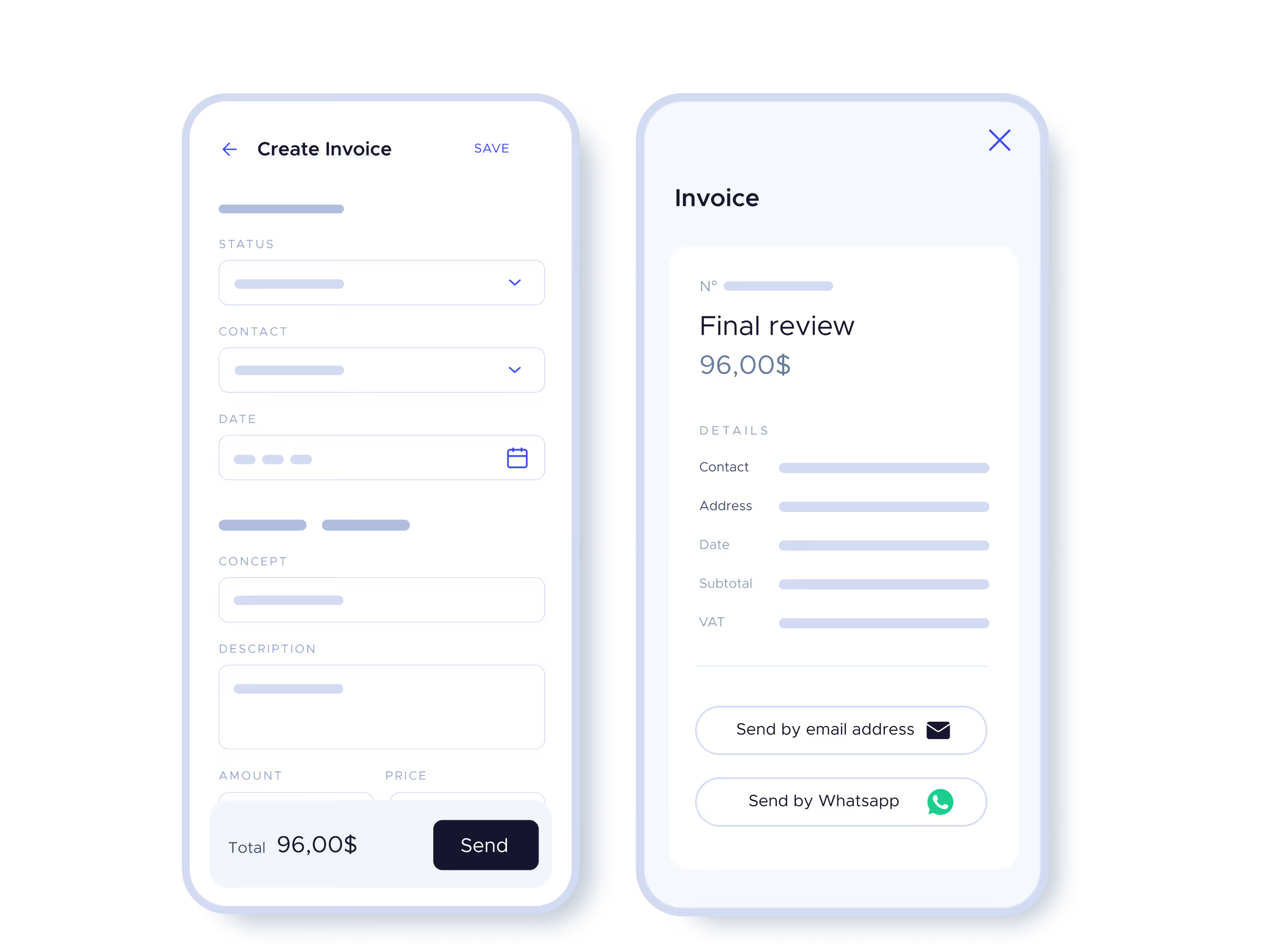
Invoice in seconds, wherever you are
Send Invoices by email or WhatsApp from your App.
Preloaded data from jobs.
Direct delivery to the customer from the mobile phone.
All connected to your sales reports.
FAQs of users.
What is the taclia App and what is it for?
The taclia app is an All-in-One application for managing your company from your mobile phone: control of tasks, jobs, transfers, billing, clients and much more. Ideal for SMEs, freelancers and teams on the move.
What features does the taclia business management app include?
From the app you can manage jobs, time tracking, clients, quotes, invoices and collections. All synchronized in real time with your team.
Can I manage my entire business only from the mobile app?
Yes. taclia is designed so that you can operate completely from your mobile phone: assign tasks, approve transfers, bill, charge or register services without relying on a computer.
Is the taclia app compatible with Android and iOS?
Yes. You can download the taclia App both from Google Play and from the App Store. It works perfectly on mobile phones and tablets.
What type of companies can use this application to manage their business?
taclia is designed for service companies, technicians, freelancers, small and medium-sized companies that need agility to manage their operations from anywhere.
Do I need an internet connection to use the business management app?
Yes, although some features can be viewed offline, you need internet to record new actions or synchronize data with your device.
What is the difference between using taclia on a mobile phone and from a computer?
The functionality is practically the same. The app is designed for work in the field or on the move, while the desktop can be used for planning, configuration or more administrative management.
Can I have several users using the app at the same time?
Yes. taclia allows you to create users with different permissions. Thus, each member of the team has access only to what they need: clock-ins, tasks, collections or clients.
Do you need help? Contact us.
Live support
We are available to help you with whatever you need.