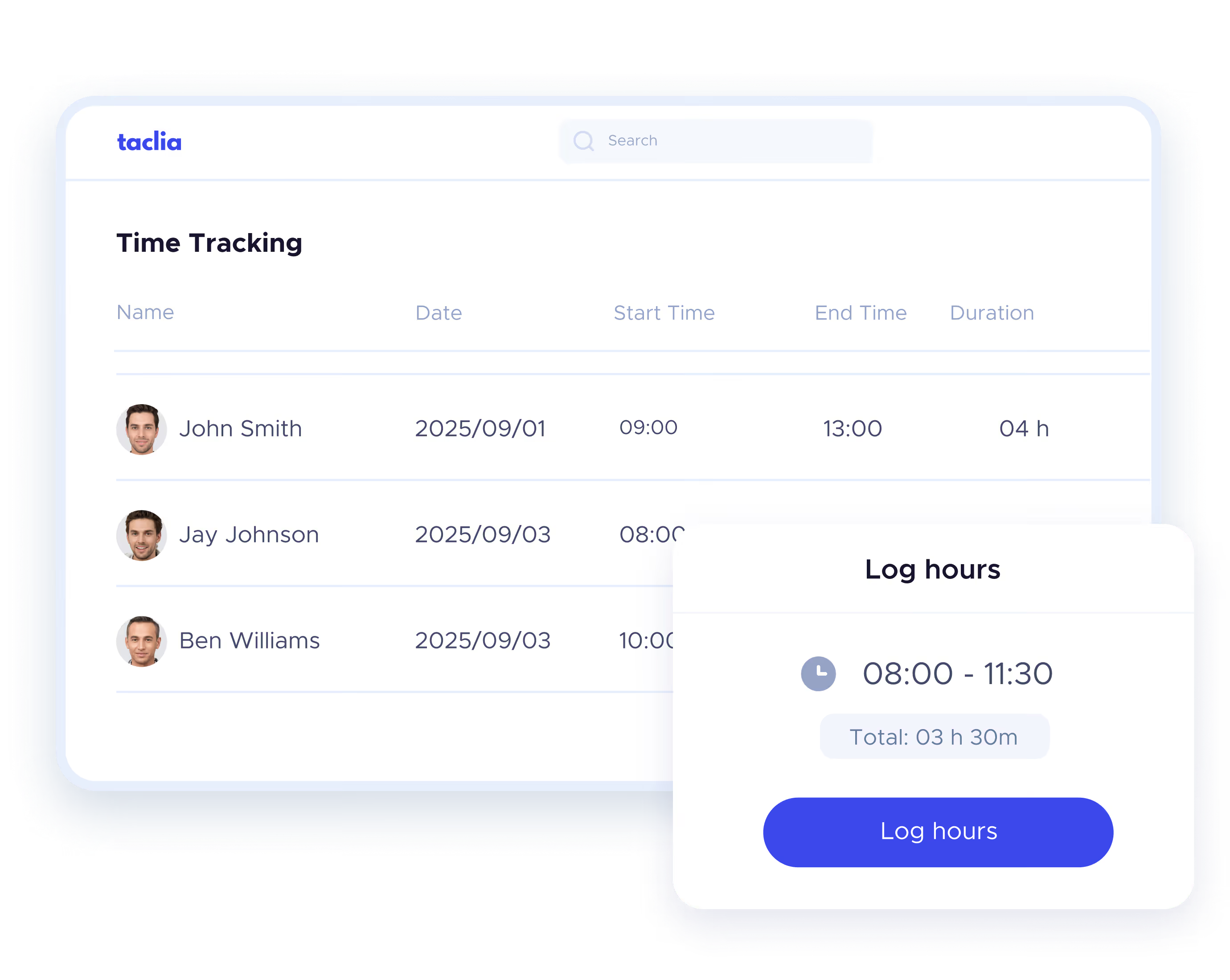
Calculate your workday in seconds

Hours worked calculator.

Enter your check-in and check-out times, add breaks and get the exact calculation instantly.

How to calculate hours worked?

1. Enter your schedule

Record your check-in and check-out times.

2. Add breaks & pauses

It includes pauses and breaks for accurate calculation.

3. Get the total automatically

The calculator does the work for you: daily, weekly or yearly.

4. Copy & share the calculation

Generate a link with your result and share or save it.

Are you looking for something more professional? Discover taclia and its time tracking software
Ideal for employees, freelancers and companies

Benefits of the work schedule calculator

Use free calculator
Record your work time without complications

Why is it important to keep a record of working hours?

More details here
Alternative to hours worked calculator
Professional tools for better time tracking

More than a calculator: Time tracking & absence software

Our calculator helps you with basic calculations, but if you need a complete time tracking and absence management system, we recommend you:

Clock-ins & clock-outs

Real-time time recording from phone or PC.

Geolocation of clock-ins and validation by supervisors.

History and exportable reports for audits.

Secure data storage for precise control.

Optimize management

Vacation & absences

Online application and approval: No endless emails.

Centralized calendar: The entire company synchronized.

Automatic calculation of days off: No margin for error.

Absence history: Full control in a single click.

Avoid errors

Frequently asked questions of users.

How to calculate hours worked automatically?

Enter your check-in and check-out times, add breaks in minutes or hours and the calculator will do the rest.

What's the difference between an hour worked counter and a schedule calculator?

An accountant only adds up the hours worked.
A calculator allows you to customize schedules, add breaks and calculate working days weekly or annual.

Can I calculate my hours worked weekly or annually?

Yes, our calculator allows you to determine both the total weekly and annual amounts with just a few clicks.

How to count hours worked with breaks and absences?

Just add your pauses in the tool and the the calculator will be adjusted automatically without errors.

Can I share my results?

Yes, you can send them with a direct link to keep personal or business control.

Is this work hours calculator free?

Yes, you can use it free of charge, without the need to download anything.

How to calculate my hours worked in Excel?

If you prefer Excel, you can use the formula:
= (Check-out time - Check-in time) - Breaks
But with our calculator, you do it in seconds without formulas or errors.